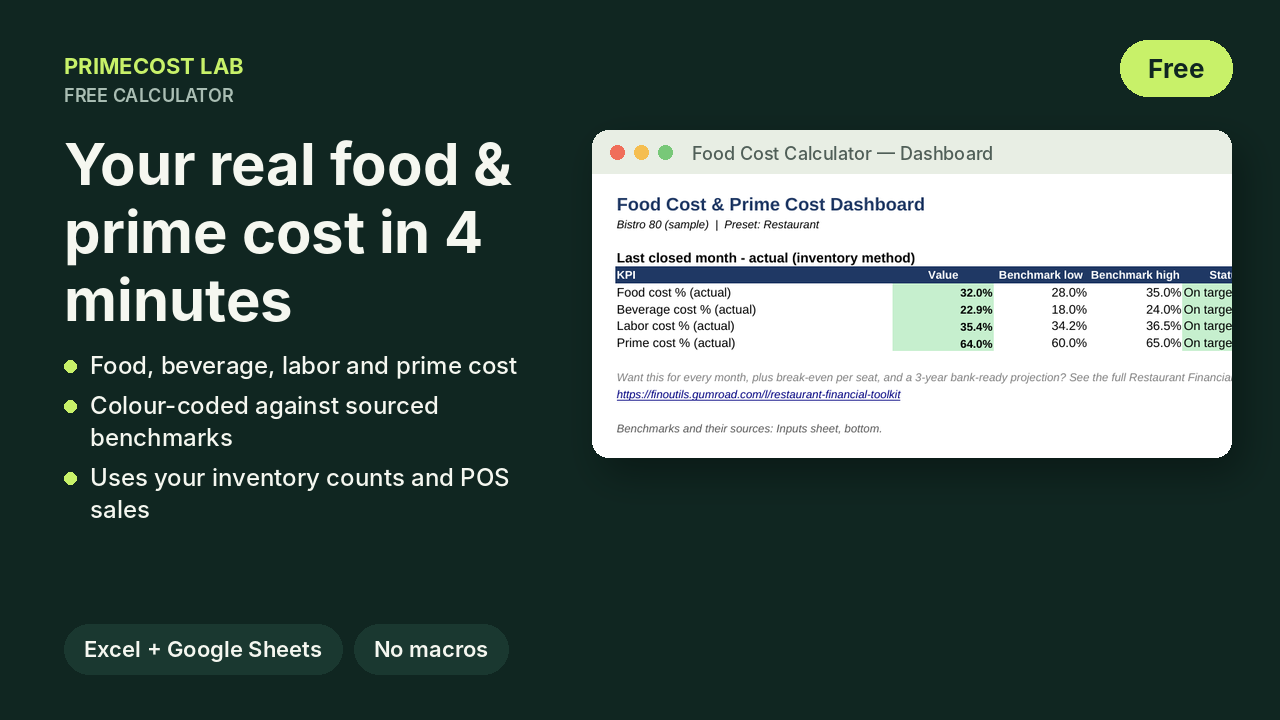
What you enter
- Total sales for the last closed month, and food sales
- Food inventory at the start and end of the month, and food purchases
- Beverage sales, beverage inventory at the start and end of the month, and beverage purchases
- Total labor cost (wages, payroll taxes, benefits)
What you get
- Food cost % and beverage cost % by the inventory method (beginning inventory + purchases − ending inventory)
- Labor cost % and prime cost % (COGS + labor)
- Each ratio shown green, yellow or red against a benchmark with its publisher and year (MarginEdge 2026, Backbar Academy 2019, National Restaurant Association 2025, Restaurant365)
What it does not do
It covers one month of actuals. It does not build a 12-month P&L, break-even, menu pricing or a 3-year projection for a lender. Those live in the Restaurant Financial Toolkit.
How it is built
The calculator is generated by the same code as the paid Toolkit. Every result cell is a formula, tested automatically for errors. Only standard functions are used, so it opens in Excel 2016+ and Google Sheets with no macros.